2026 Spring 15s
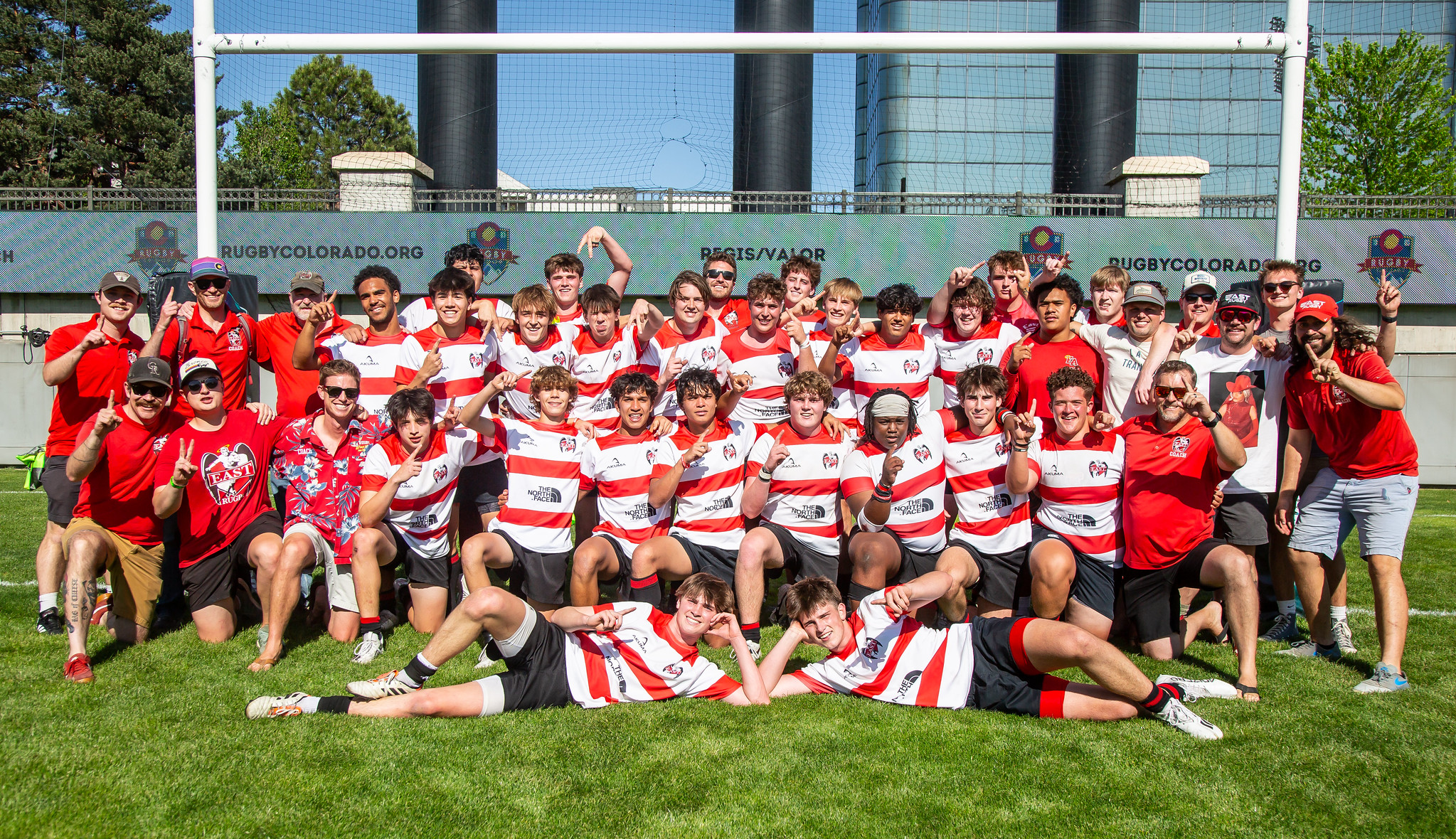
The 2026 Spring 15s season is here!
We’ll start with a Season Kickoff Meeting on Wednesday 1/7 at 7pm in the East HS Commons.
If you are a new player please sign up on TeamApp so you can receive team messages and find the latest schedules.
Schedule
Practices begin Saturday 1/10 and our schedule through February will be:
- Mondays: Training 6-8pm on the East HS turf
- Tuesday: Fitness 6-8:30pm in East Room 327
- Wednesday: Training 6-8pm on the East HS turf
- Thursday: Training 6-8pm on the East HS turf
- Saturdays: Training 10-1pm on the East HS turf
Our match and event schedule is:
- 1/7: Kickoff Meeting (7pm East Commons)
- 2/21: East Invitational pre-season tournament and pizza party
- 2/28: East A+B vs Valor (Infinity Park Turf)
- 3/7: East A+B vs Regis
- 3/14: East A vs Arvada, East B at Castle Rock
- 3/21: East A+B at Valor
- 3/26 (Thursday): East A+B at Monarch
- 3/28 – 4/5: Spring Break (a good time to plan your trips and college visits)
- 4/10 – 4/13: 2026 Kansas City Tour
- 4/15: East B at Boulder
- 4/18: East A at Falcons, East B at Titans
- TBD: East B vs Brighton / Glendale / North
- 5/2: Semifinals
- 5/9: Finals
Academic Testing Schedule
SAT:
- 6/6: Best date for SAT
- 3/14: Alternate date for SAT, conflicts with matches
- 5/2: Worst date for SAT, conflicts with playoffs
ACT:
- 6/13: Best date for ACT
- 7/11: Best date for ACT
- 2/4: Alternate date for ACT, conflicts with practice
- 4/11: Worst date for ACT, conflicts with tour
Season Registration
All players must be registered with Rugby Colorado to play. The registration must be completed by a parent or guardian. All registration is through a new platform, Rugby Explorer. There are no paper forms this year.
The cost to register is $275 (plus fees) paid with a credit or debit card. We have full scholarships available. If you need a scholarship please contact Coach Gore for instructions.
STEPS FOR A PARENT/GUARDIAN TO REGISTER ONLINE:
If you registered with RugbyXplorer previously:
- Go to the USA Rugby Registration Site
- Enter your email address
- Enter your password (or use the Reset Password link)
- Click “Sign In”
- Click Register then Find a Club
- Select your player’s profile to register (or use the Link a New Person option)
- Enter “East HS – Boys” and select the option in Colorado
- Select the following options:
- Role: Player
- Registration Type: High School Spring Boys
- Duration: Season
- Continue adding a photo (optional) and emergency contact information
- On the “Additional questions”, click “Not applicable?” under School & Grade
- Complete the East Rugby Roster Information
- Acknowledge the terms and conditions then hit Pay
If you have not registered with RugbyXplorer:
- Go to the USA Rugby Registration Site
- Enter your email address
- Click “Sign me up!”
- Enter parent information and ensure Rugby Region is set to USA Rugby
- If the registration system matches an existing profile, select that. Otherwise select “Create new profile”
- Check for an email titled “Welcome to Rugby Xplorer” then click “Verify Email”
- Set your password then login again
- Click Register then Find a Club
- Click Link a New Person then enter your player’s information
- If the registration system matches an existing profile, select that. Otherwise select “Create new profile”
- Select your player’s profile to register
- Enter “East HS – Boys” and select the option in Colorado
- Select the following options:
- Role: Player
- Registration Type: High School Spring Boys
- Duration: Season
- Continue adding a photo (optional) and emergency contact information
- On the “Additional questions”, click “Not applicable?” under School & Grade
- Complete the East Rugby Roster Information
- Acknowledge the terms and conditions then hit Pay
Tour Registration
Registration for the 2026 KC Tour is now available online!
The tour is a chance to test ourselves against top competition from other states and to come together as a rugby club. It is a highlight of the season and we encourage all players and parents to attend. Every player that attends will get to play matches on Saturday and Sunday, participate in our banquets on Friday and Sunday, and go Bowling on Saturday. Tour pricing also includes roundtrip ground transportation from East, hotel accomodation, and a tour shirt.
In addition to online registration, you must print, sign, and email ([email protected]) two forms:
– Emergency Medical Authorization
– Student Travel Waiver
There are no notary requirements this year!
Early bird pricing of $425 per player and $150 per adult is good through 2/15, then the price will increase to $450 and $175. We are proud to offer scholarships based on commitment, not athletic ability. If you need a scholarship please contact Coach Steve.
You can register two parents when registering your player. Additional adults can also be registered online.